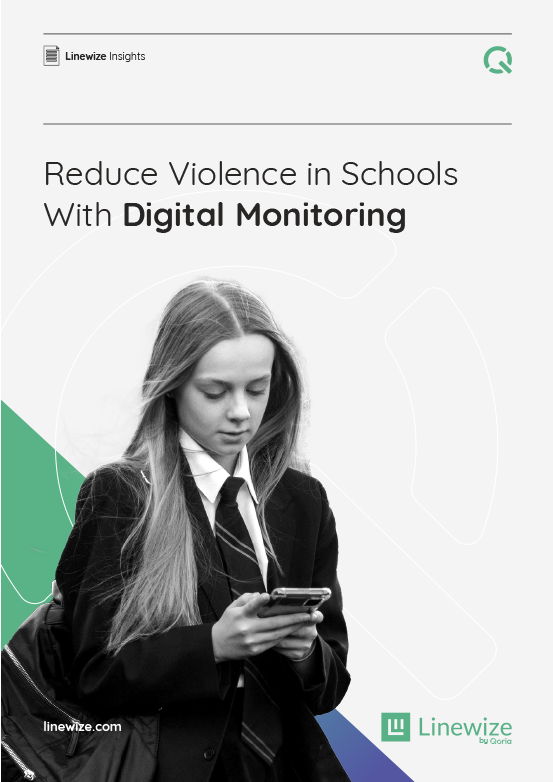
Solutions:
Advanced Chromebook monitoring for schools that provides real-time visibility into at-risk student activity, helping educators protect student digital safety.
Linewize Monitor is one of the most advanced student threat detection solutions for Chromebooks in K-12, helping schools identify digital risks that traditional filtering and monitoring tools often miss. It provides 24/7 real-time alerts of students at risk of self-harm, depression, grooming, sexual content, bullying, and school violence.
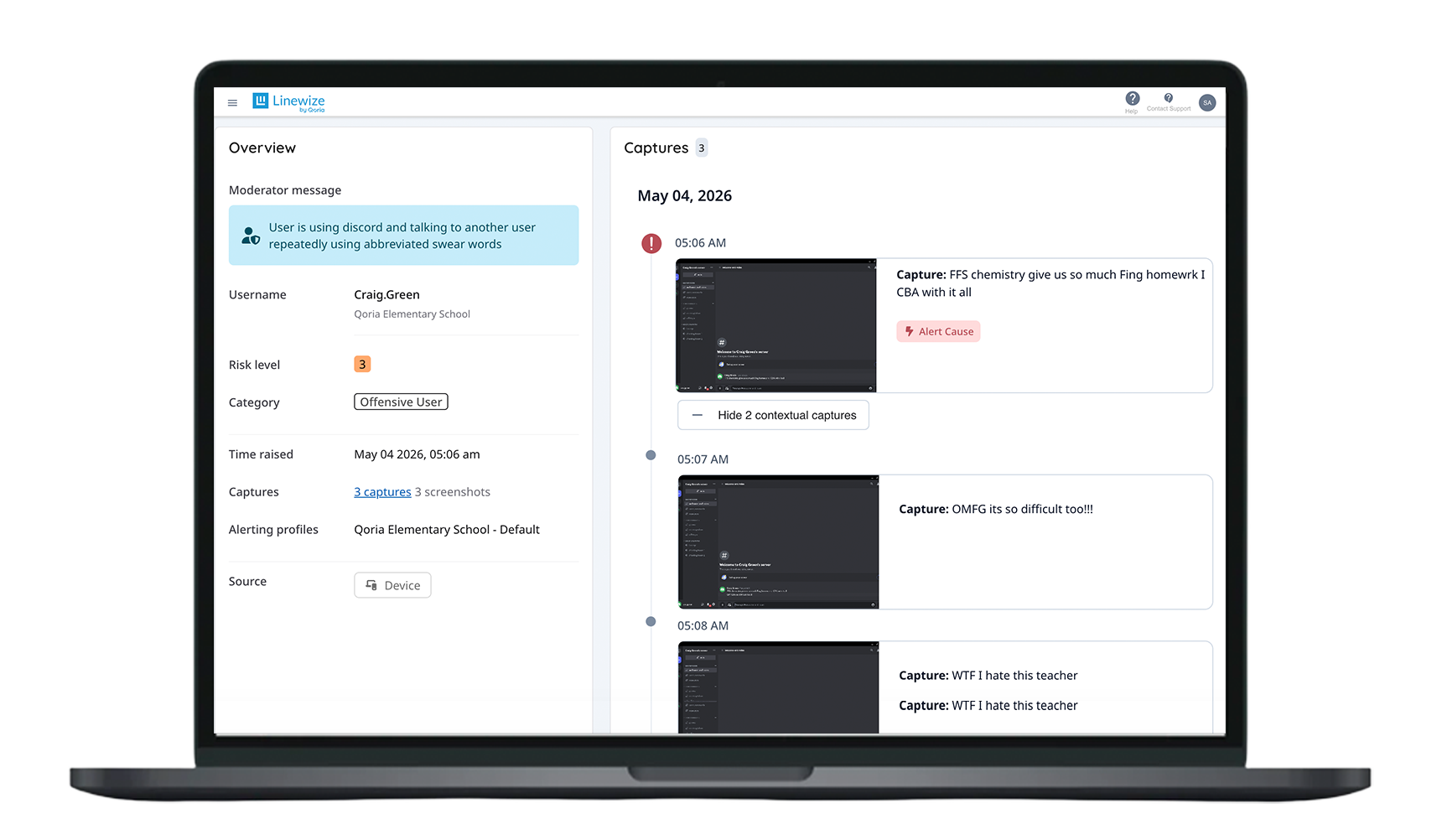
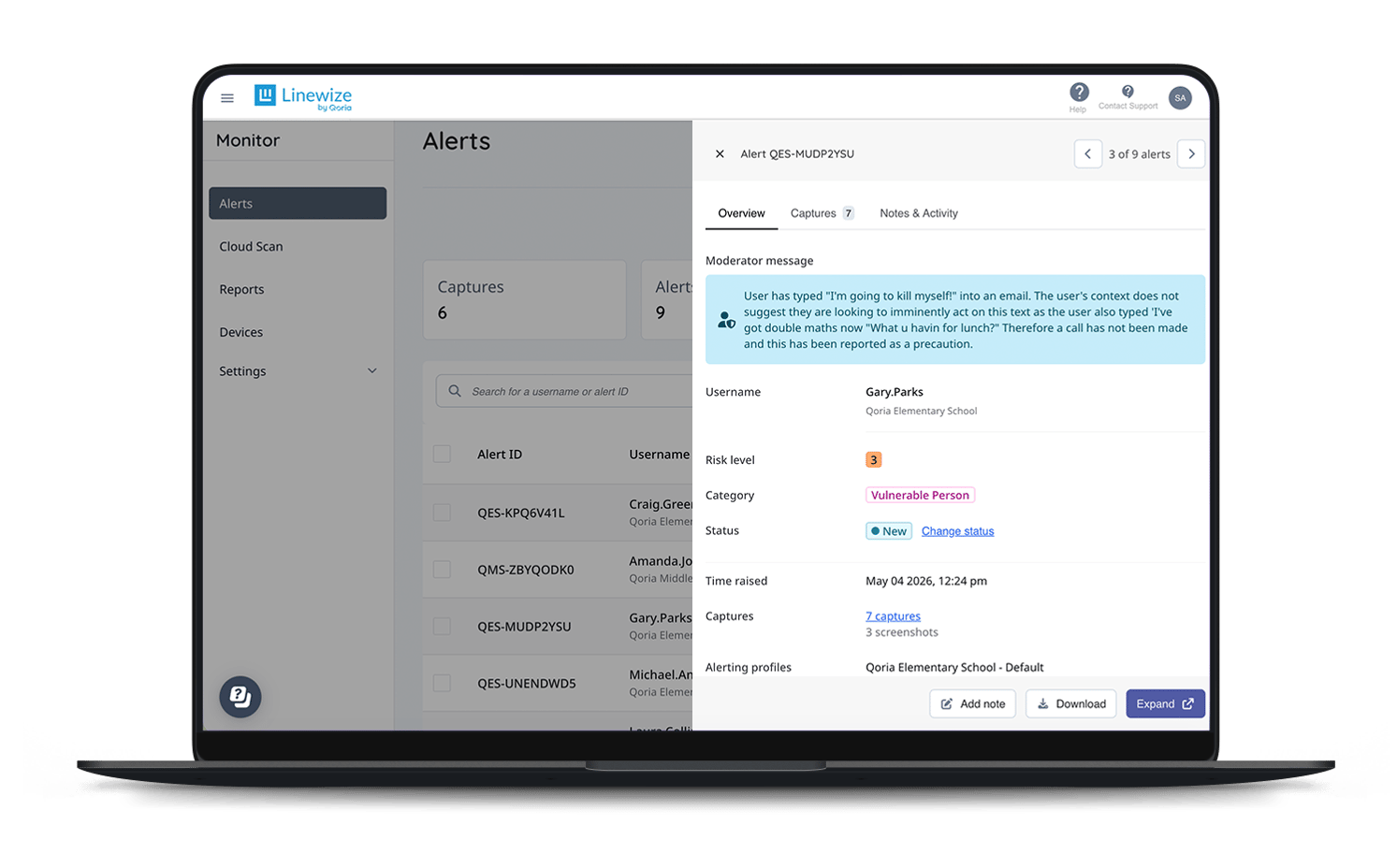
When a student’s online activity indicates a risk, designated staff are immediately alerted by email, and by phone for the most serious risks. Safeguarding staff can view full screenshots for each alert with contextual notes from our human moderators, empowering you to take action right away to support the student.
Linewize Monitor uses a combination of advanced AI and 24/7 human moderation to detect student safety risks across all digital platforms, and automatically alert your staff in real time.
Linewize Monitor is the only solution of its kind to hold all four iKeepSafe accreditations, including COPPA, FERPA, ATLIS, and CSPC. We are dedicated to supporting your district’s commitment to student safety, data privacy, and responsible technology use.


Deploy Monitor for 30 days for no cost. We will assess your students’ online behavior for risks and alert you by phone to any students we believe are in danger.
Learn moreYour safeguarding staff receives real-time alerts within minutes of a digital risk occurring, including notification by phone call for the highest suspected risks.
Trained human moderators work 24/7, 365 days a year to review alerts, reduce false positives, and provide contextual notes for your school staff.
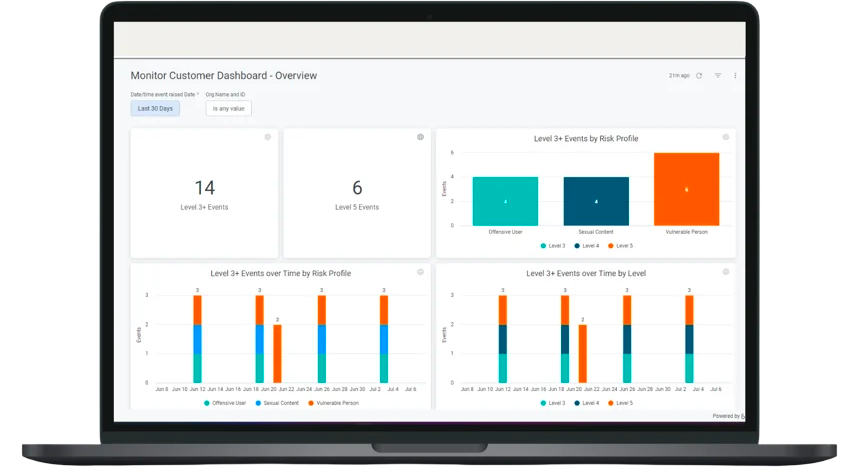
Monitor enables you to generate easily digestible reports to share with faculty and staff. For your safeguarding staff, you can decide which reports they receive and when.
NEW FEATURE
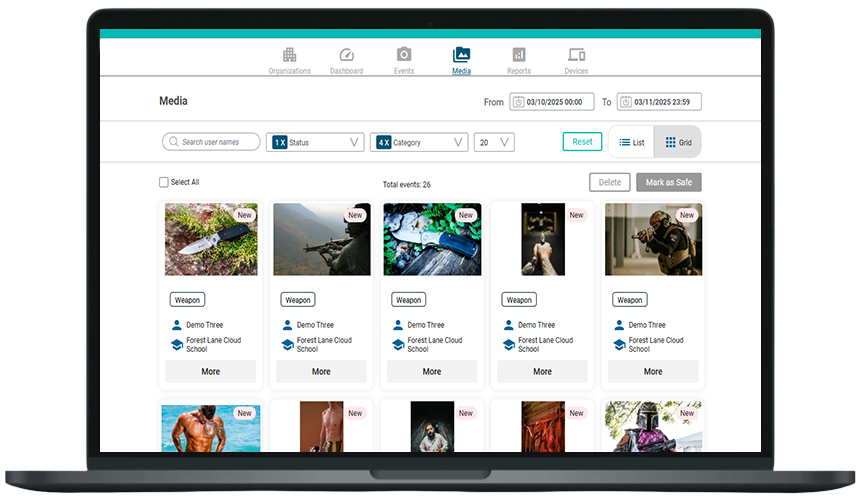
Cloud Scan automatically scans your school’s Microsoft OneDrive or Google Drive daily and flags any at-risk imagery.
When Cloud Scan identifies an image that may be harmful or poses a risk to student safety, it prevents students from accessing the image and flags the file for review by your designated staff.
Your designated staff are alerted when at-risk imagery is detected. Staff have a choice of response options as to how to proceed with the flagged image.
Don’t let inappropriate imagery slip through, even by accident. Get peace of mind and ensure your district meets CIPA requirements for preventing students from accessing obscene visual depictions, with Cloud Scan.
Linewize Monitor allows schools to spot digital student risks that aren’t detectable through a web filter, and which could easily go unnoticed or noticed too late. Because Monitor assesses the entire screen, rather than just the URL, and logs screenshots with each alert, it provides valuable evidence for administrators, support specialists, and counselors to better plan effective interventions. Linewize’s highly trained human moderators work 24/7 to assess the context of flagged alerts, drastically reducing false positives and only alerting school staff to real issues that impact student wellbeing and safety.
Chromebook monitoring software is designed to identify digital risks to student safety or wellbeing, by flagging and alerting school staff to at-risk student activity on school-issued Chromebooks.
Linewize Monitor uses a combination of AI and 24/7 human moderation to detect risks across a student’s digital activity on their school Chromebook, including on Google and Office 365 activity, web chat, social media, and more.
When a student’s activity on their school Chromebook indicates a risk, Linewize’s monitoring solution flags the event and sends an alert to designated school staff in real time, so staff can take appropriate and timely action.
Yes, Linewize Monitor for Chromebooks works on any network. Student safety alerts are evaluated and sent in real time, regardless of whether the device is on or off the school network.
Linewize Filter for Chromebooks prevents students from accessing harmful or inappropriate digital content by blocking unapproved websites, blurring inappropriate images and video in real time, and assessing text directly at the page level to block proxies, embedded games, and other common Chromebook filter workarounds. By comparison, Linewize Monitor helps schools to detect and intervene quickly when students are in need of support, by flagging student activity on the school Chromebook that indicates a risk or safety concern and alerting staff in real time.
Linewize Monitor provides the widest categorization in K-12, encompassing violence, bullying, self-harm, sexual content, grooming, radicalization, and mental health concerns.
Designated staff receive alerts within minutes of an event occurring via email, and by phone call for the most serious and urgent concerns.
iKeepSafe certification helps to ensure that educational technology (EdTech) used by children and in educational settings meet compliance standards for student data privacy as required by federal and state laws. It’s important for districts to seek a Chromebook monitoring solution that adheres to iKeepSafe certifications, to maintain district compliance with all student privacy standards.
Linewize Monitor continues capturing risk events when the student is using the Chromebook device, even when the Chromebook is offline or disconnected from the internet. When the device reconnects, Monitor evaluates and moderates the risk.
Linewize Monitor is cloud-based, and does not require any heavy IT involvement to deploy or maintain. Deployment is fast and easy with Linewize, and there is no need for ongoing technical administration.
Yes, Linewize offers a free Student Safety Audit to K-12 school districts, which includes a free 30-day trial of Linewize Monitor. During the trial, Linewize will assess your students’ online behavior for risks and alert you by phone to any students we believe are in danger. At the end of 30 days, your district is presented with a comprehensive report of digital risk activity across your student population.
Eva Harvell, Ed.S
Director of Technology
Pascagoula-Gautier School District
Heather Brown
Former Director of Technology
Santa Fe Independent School District
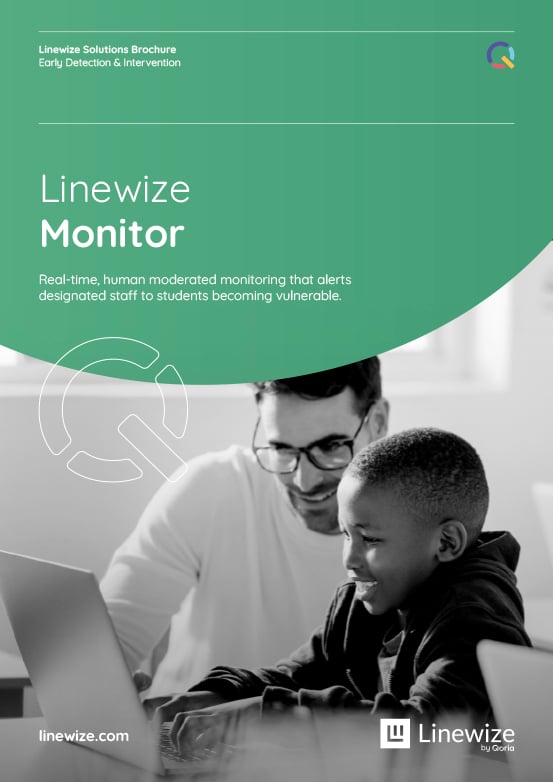
Talk to an expert or book a demo. Our cyber safety experts are waiting to help.
Sign up for our newsletter to get all the latest product information.
Subscribe to our newsletter